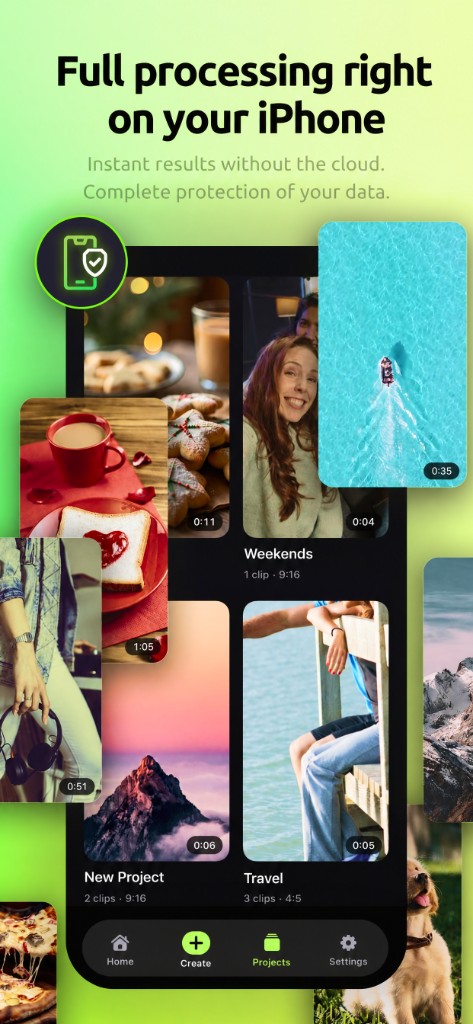
Turn your iPhone photos and videos into a ready-to-share vertical clip — without manual cutting, endless rearranging, or trying to hit every beat by eye.
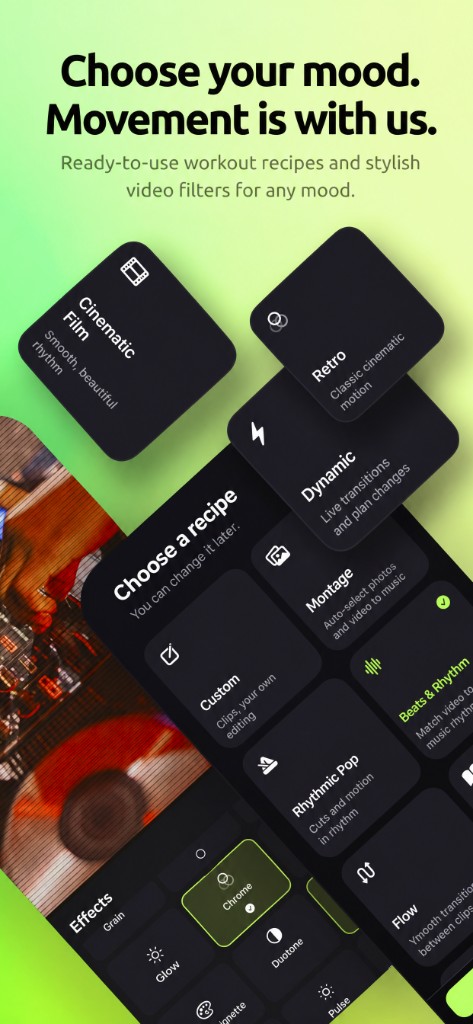
Choose your photos and videos, add music — Auto Motion analyzes the track and automatically edits your footage to its rhythm.
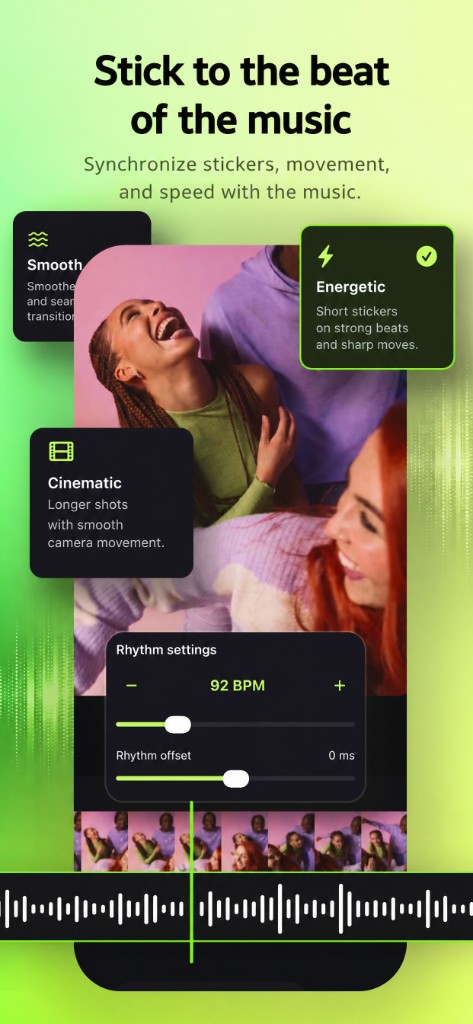
The app detects the tempo, musical accents, and changes in energy, then finds the best moments in your original videos and arranges your clips so the visuals move with the music.
This is more than a slideshow or a random cut. Auto Motion looks for the most expressive moments in your videos, determines where cuts work best, and turns your footage into a cohesive video that’s ready to share.
Music changes the edit
Changed the track? You don’t have to start over. Auto Motion can rebuild the edit around the new music — adjusting clip lengths, cut points, and the overall pace to match the new track.
- Calm music — smoother editing.
- An energetic track — more movement and more frequent cuts.
- A strong beat — cuts aim to land on musical accents.
You control the result
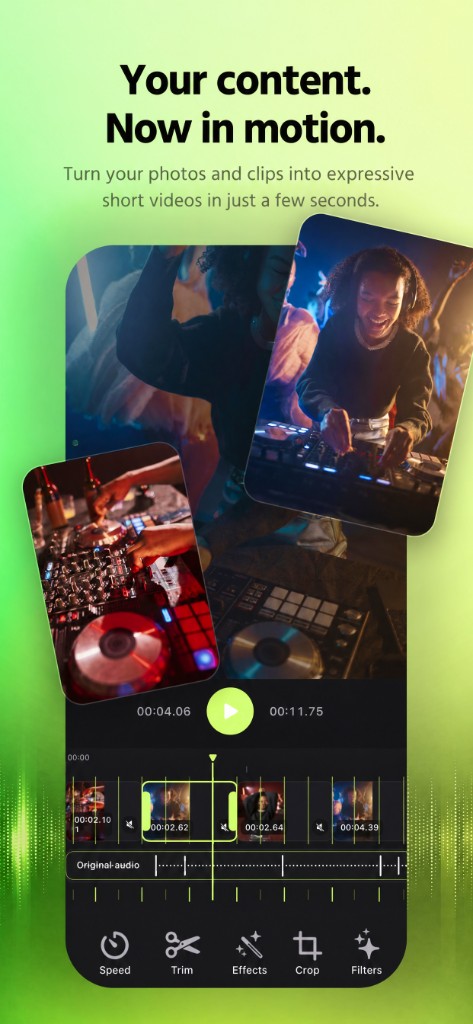
Automatic editing is only the beginning. After generation, open the editor and fine-tune the moments you want: trim clips, change their order, replace footage, adjust transitions, and more.
Get started in just a few seconds:
- Photos & Videos
- Music
- Auto Motion
- Ready-to-share clip
Built for vertical content, Auto Motion is perfect for TikTok, Instagram Reels, and YouTube Shorts.
Add multiple videos, include photos, choose your music, and get an edit you don’t have to build from scratch.
Auto Motion — music sets the rhythm. You set the mood.
Not all features are available without a subscription. Basic automatic editing is available to try, while advanced tools, scenarios, and features are unlocked with a subscription.