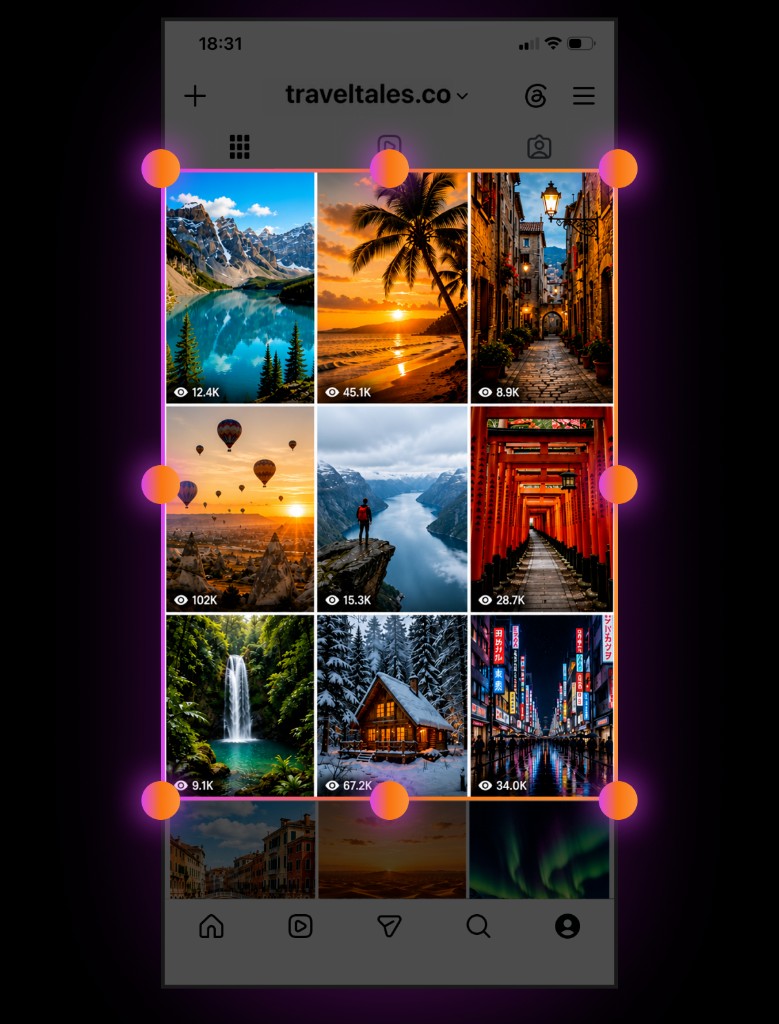
Import Grid
Load a profile screenshot and keep planning on top of your real feed.
Feed planning for iPhone
Grid Planner helps you create a clean, harmonious feed before you publish. Build the grid, try different layouts, and see how posts work together — so your profile always looks intentional.
Built for creators
Switch between Plan, Preview and Drafts, compare layouts, and keep reminders for the moment you choose to post.
Load a profile screenshot and keep planning on top of your real feed.
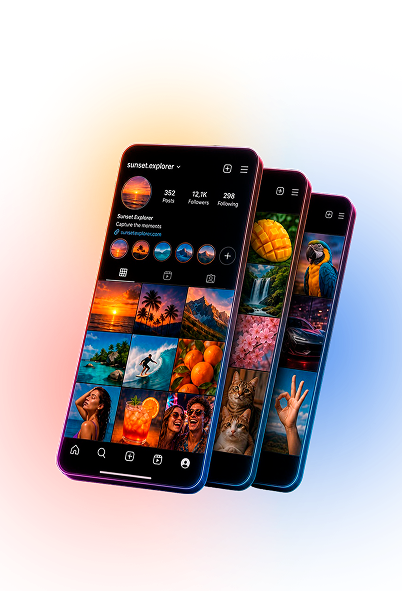
See the profile-style grid and compare plans before anything goes live.
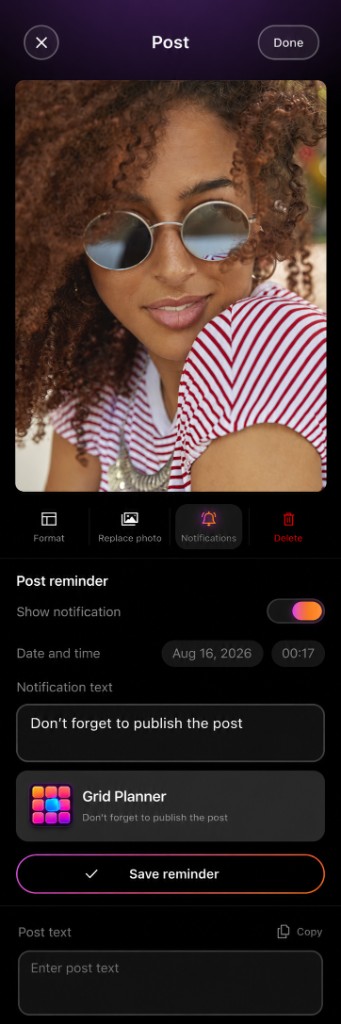
Set the date and time you want to post — and get a local reminder then.
Every post, every cell
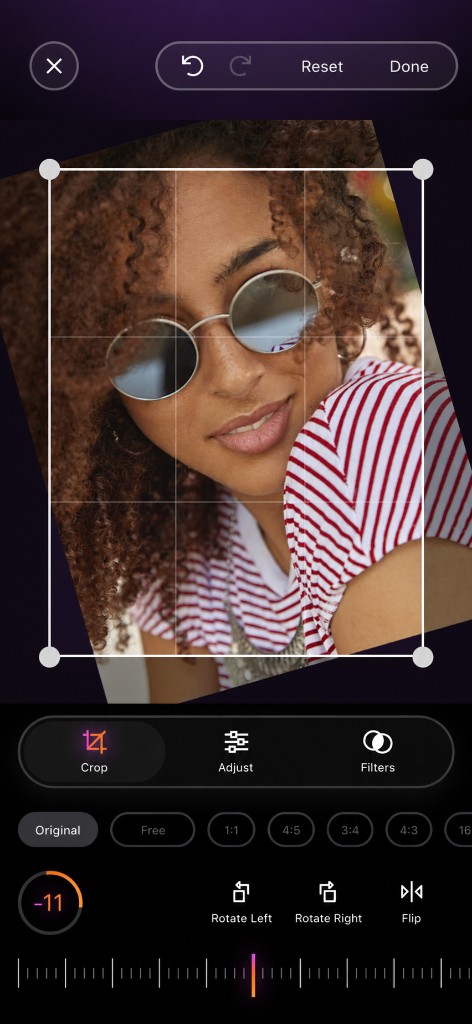
Crop, straighten, rotate, flip, light, color, filters and formats — without leaving the plan.

Arrange a vivid feed that matches the story you want the whole profile to tell.
Key features
Add photos from the camera or library, reorder posts, duplicate them and build the exact structure of your feed with a clear, editable layout.
Switch to Preview to see the grid with profile chrome: avatar, name, username and counters. Customize Profile Preview in Settings to match how you want it to look.
Move freely between planning, preview and drafts. Save unfinished ideas and return when the layout is ready.
Create separate plans for different ideas and accounts, switch between them, duplicate strong versions and archive plans you don’t need right now.
Compare two plans side by side or in an overlay stack to pick the more balanced layout before you publish.
Upload a screenshot of your current profile, crop to the posts area and keep planning from there. Reorder imported groups and reuse previous imports later.
Create scrolling posts with up to 20 photos in one place — ideal for multi-frame stories inside your grid.
Crop, straighten, rotate and flip photos, adjust light and color, apply filters, and choose formats for posts, Stories, 4:5 and more. Replace photos anytime without losing the plan.
Add overlays on photos and refine the composition directly in the editor.
Add captions and personal notes, choose a format, edit, replace, archive, restore or delete posts — all from a clear detail screen.
Set local reminders for the date and time you choose, so you publish on schedule and don’t forget your plans.
Move posts out of the active grid when you need space, then bring them back when the timing is right.
Share your grid and export it as HEIC, JPEG or PNG with the quality that fits your workflow.
A clear path from first launch to a finished plan. Grid Planner is for people who care how the whole feed looks — not only single posts.
Why Grid Planner
Whether you run one account or several, Grid Planner keeps planning, preview, editing and reminders in one calm workspace — so posting feels intentional instead of last-minute.
Build the grid first. Publish when you’re ready.
Create a clean, harmonious feed before you publish — plan, preview, edit and remind yourself when it’s time to post.
View on App Store